CRM Automations
A CRM without automation is just an expensive address book.
We build pipelines, lead routing, follow-up sequences, and integrations on GoHighLevel, HubSpot, Pipedrive, Salesforce, and Zoho — so your CRM captures every lead, follows up in seconds, and closes deals while you sleep.
Not sure which plan you need, book a consultation
Use our interactive Service Builder to combine web design, SEO, AEO, and automation into a plan tailored to your business.
Your CRM Is Only as Good as the Automations Running Inside It.
Stop Paying for Software Your Team Forgets to Use.
A CRM Without Automation Is Just an Expensive Address Book.
Leads Don't Slip Through Cracks. They Slip Through Bad Pipelines.
Every Manual Field Update Is a Future Mistake Waiting to Happen.
Your Pipeline Should Move Itself While You Sleep.
If Your Reps Are Updating Statuses by Hand, You're Losing Deals.
Automated CRMs Close Faster Because They Never Forget to Follow Up.
Clean Data In. Predictable Revenue Out.
The Best Sales Teams Don't Work Harder — They Work Automated.
Why CRM Automation Wins
Most businesses pay for a CRM, set it up halfway, and watch their team slowly abandon it. Leads pile up in inboxes, deals stall in unknown stages, and reports lie because the data is dirty.
Automated CRMs flip that. Every lead is captured the second it lands. Every follow-up fires on time. Every deal moves through pipeline stages on rules — not on memory. Reporting becomes trustworthy for the first time.
More booked calls, fewer dropped leads, lower payroll cost per close, and a pipeline you can actually forecast from.
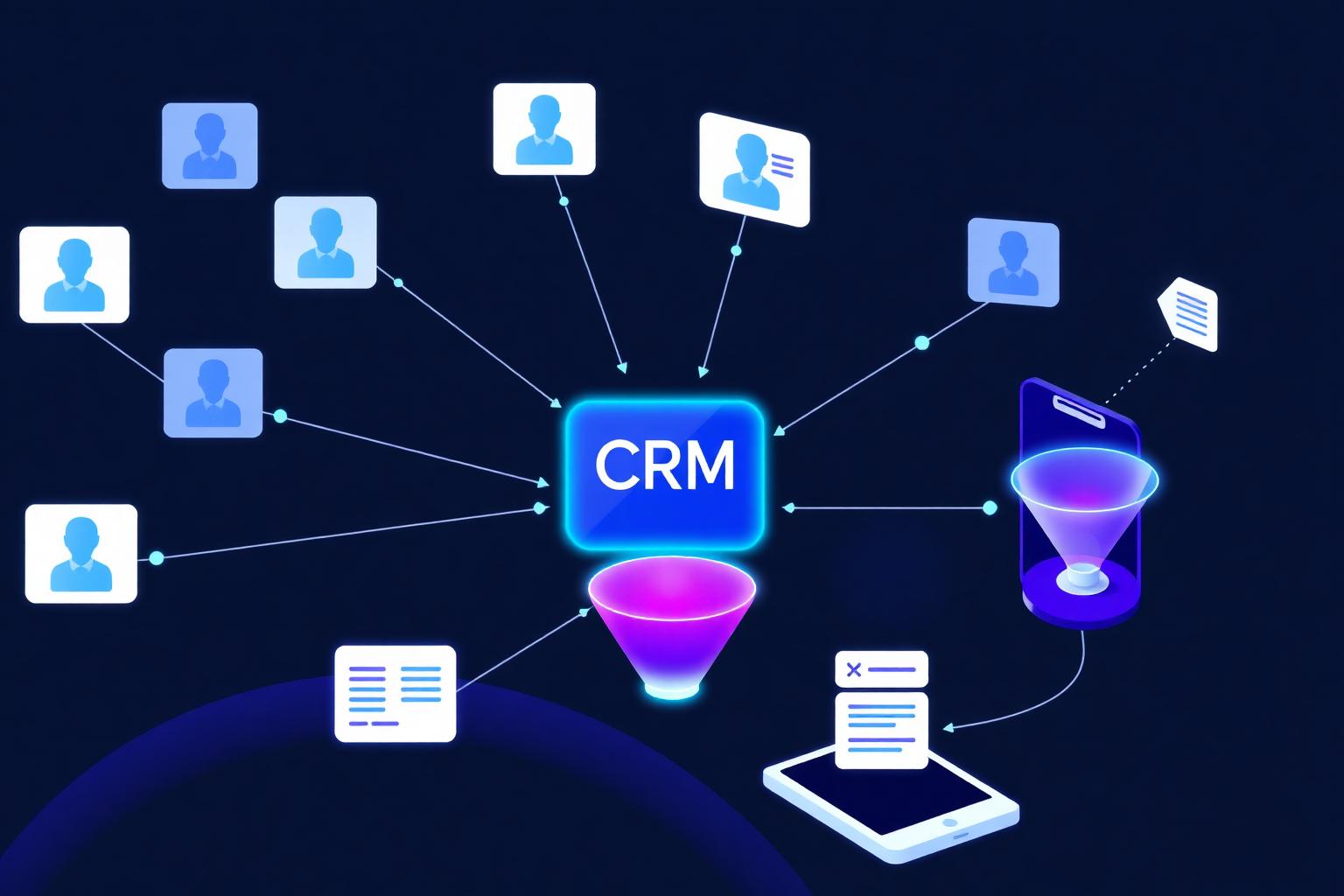
What an Automated CRM Actually Does
The work your team should never have to do by hand again.
Instant Lead Capture
Forms, calls, chats, and ads all flow into your CRM the second they happen — with source, UTM, and intent data attached.
Smart Tagging & Scoring
Leads are auto-tagged, scored, and routed to the right rep, pipeline, or nurture sequence based on behavior and fit.
Pipeline Stage Automation
Deals move stages automatically when conditions are met — proposal sent, contract signed, payment received — no manual dragging.
Multi-Channel Follow-Up
Email, SMS, voicemail drops, and tasks fire on a schedule that matches each lead's stage and behavior.
Booking & Reminders
Calendar invites, confirmations, day-before reminders, and no-show recovery handled end-to-end.
Data Hygiene
Dedupes, format fixes, missing-field alerts, and stale-deal cleanup keep your pipeline reportable and trustworthy.
Manual CRM vs. Automated CRM
Same CRM. Same team. Completely different outcomes.
| Aspect | Manual CRM | Automated CRM |
|---|---|---|
| New lead response | Hours, sometimes days | Seconds — text + email instantly |
| Deal stage updates | Reps drag cards (when they remember) | Auto-advances on trigger or task completion |
| Follow-up cadence | Inconsistent across reps | Identical, automated, every lead |
| Reporting accuracy | Garbage in, garbage out | Real-time, trustworthy dashboards |
| Lead leakage | Common — falls between reps | Zero — round-robin + safety nets |
| Onboarding new reps | Weeks of training | Workflows do most of the job |
| Scaling cost | Hire more people | Add a workflow |
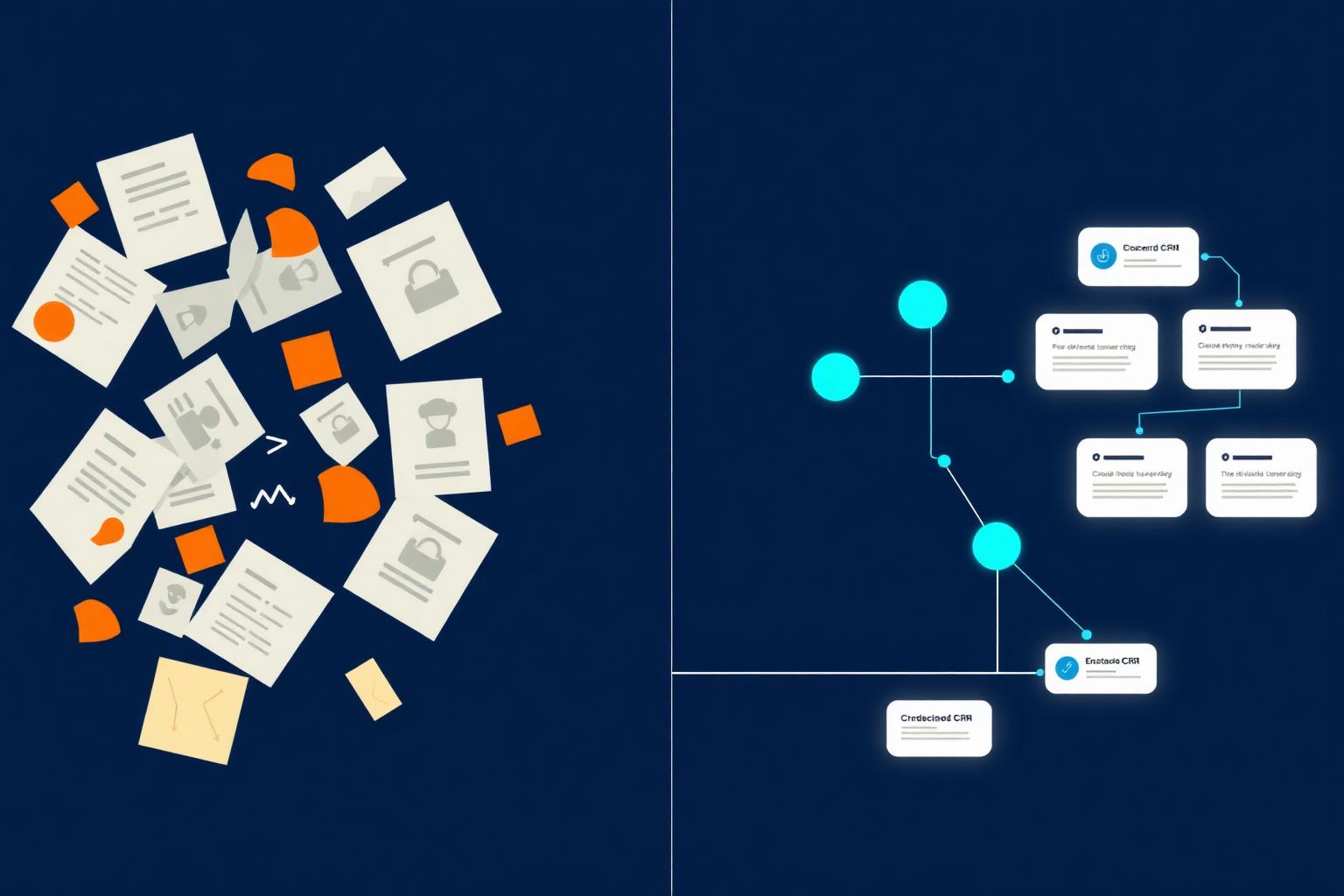
Chaos becomes choreography when your CRM does the work.
What We Build Inside Your CRM
The highest-ROI workflows for sales-led and service businesses.
Lead Routing & Round-Robin
New leads auto-assigned by territory, service, deal size, or rep availability — with escalation if untouched.
Missed-Call Text-Back
A missed call instantly fires an SMS apologizing and offering to book — captures leads competitors lose.
Onboarding Pipelines
New customers move through welcome, intake, kickoff, and asset-collection stages automatically.
Pipeline Hygiene
Stale deals get nudged, abandoned ones get re-engaged, won deals trigger upsell and review sequences.
Sales Sequences
Multi-touch outreach across email and SMS with auto-stop the second a lead replies or books.
CRM ↔ App Sync
Two-way sync between your CRM and Stripe, Calendly, your website, QuickBooks, and Google Sheets.
CRMs We Automate
We're platform-agnostic. We pick the right CRM for your business — not the other way around.
GoHighLevel
Our preferred all-in-one for service businesses. Pipelines, SMS, email, calendars, and AI built in.
HubSpot
Workflows, lead scoring, sequences, and reporting — wired up the way HubSpot is meant to be used.
Pipedrive
Deal automation, activity reminders, and pipeline triggers for sales-led teams.
Salesforce
Flow Builder, Process Builder, and Apex automations for enterprise pipelines.
Zoho CRM
Workflow rules, blueprints, and Zoho Flow integrations for cost-conscious teams.
Custom / Supabase
When off-the-shelf won't fit, we build a CRM-grade pipeline on Supabase with edge functions and dashboards.
Our 6-Step CRM Automation Process
Audit. Design. Build. Connect. Train. Improve.
Audit Your Current CRM
We map every pipeline, custom field, automation, integration, and data gap. We surface what's broken, unused, or duplicated before adding anything new.
Design the Pipeline
Stages, exit criteria, required fields, owner rules, and automation triggers — defined on paper before a single workflow is built.
Build Workflows & Sequences
Lead capture, routing, scoring, follow-up, stage advancement, reminders, and cleanup — all built natively in your CRM (and connected via n8n/Make where needed).
Connect Your Stack
Website forms, calendar, payments, chatbot, email, SMS, and ads all feed into the CRM as a single source of truth.
Train Your Team
Documentation, Loom walkthroughs, and a live training session so reps actually use the system the way it was built.
Monitor & Improve
Monthly pipeline reviews, conversion analysis, and workflow tuning so your CRM gets smarter every quarter.
Frequently Asked Questions
Straight answers about CRM automation, migration, and how it changes how you sell.
Related Services
Explore our other services to create a complete digital marketing strategy for your Columbus business.
AI Chatbot for Business Website
GPT-powered chatbot integration for your site.
Learn MoreMarketing Automation Services
Workflow and sales automation for Columbus teams.
Learn MoreClient Onboarding System
Automated onboarding workflows for new clients.
Learn Moren8n Workflow Automation
n8n consultant and integration builder.
Learn MoreTurn Your CRM Into a Closing Machine.
Get a free CRM audit and we'll show you the 5 highest-ROI automations missing from your pipeline right now.
Related Articles
Learn more about best practices and strategies from our blog.
2026 Email Marketing Best Practices: The Complete Guide for Modern Businesses
Email still returns $36 for every $1 spent — but only if you do it right in 2026. Here is the complete modern playbook: AI personalization, deliverability, segmentation, automation, AEO-ready copy, and the compliance rules that keep you in the inbox.
Read ArticleHow to Optimize Your Columbus Website for Speed (And Why Slow Sites Kill Sales)
Cover Core Web Vitals, hosting, CDN, compression, minimal JS, streamlined images, and Wix/WordPress tuning for Columbus businesses.
Read ArticleFrom the desk of our team
Attributed to The Real Social Company — Founder & Lead Strategist · 23+ years
What we've actually seen
Across 500+ Columbus engagements since 2002, the businesses that win are not the ones with the prettiest site or the loudest ads — they're the ones who treat their website, SEO, and AI-search presence as a single connected system.
Where most projects go wrong
Most projects fail because the website, SEO, and content all live in different vendors' heads. By month three, nobody owns the outcome and rankings flatline.
Our take
We build, optimize, and maintain everything in-house. One team, one number to call, one set of dashboards. That's the only way we've found to keep results compounding past the 6-month mark.
Our numbers on this
Pulled from our own Columbus client engagements — not industry averages.
23+
Years in Columbus
Founded 2002
500+
Businesses served
Central Ohio
95+
Avg PageSpeed
Across new builds
0.8s
Median load time
AI-built React sites